
Can I Add a Profile Picture?
Edited
Yes!
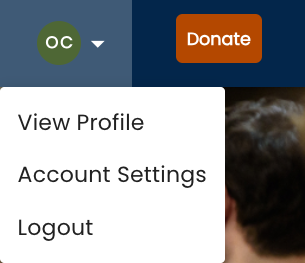
Step One: In the top right of ScholarsEdge, find a circle with your initials (or your current profile picture). Click "Your Profile."
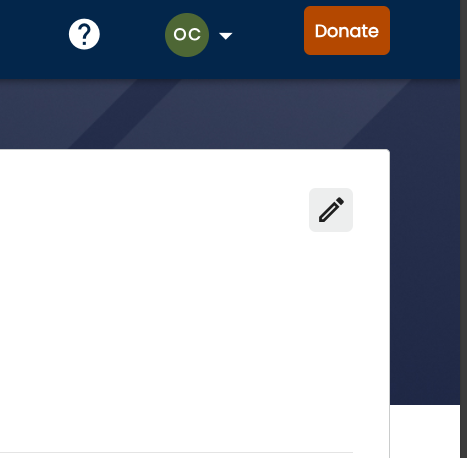
Step Two: You are now on the "Your Profile" page. In the top right of the white box (the first clickable button below the "Donate" button), there is a pencil button. Click on the pencil.
Step Three: You are now on the "Edit Details" page. Towards the right side of the page, you can click on the circle with your initials/current profile picture. Click the circle to upload a photo.

Was this article helpful?
Sorry about that! Care to tell us more?